
Spectra Precision GradeMatch, PlaneLok & Axis Alignment — The Complete Contractor's Guide
Posted by Contractors-Tools.com on 22nd Mar 2026
Spectra Precision Grade Lasers:
GradeMatch, PlaneLok & Axis Alignment — The Complete Contractor's Guide
If you've been looking at Spectra Precision grade lasers and keep seeing terms like GradeMatch, PlaneLok, and Axis Alignment on the spec sheet — and aren't sure what they actually do on a real jobsite — this guide is for you. The team at Contractors-Tools.com breaks it all down in plain contractor language: what each feature does, when you need it, how to use it, and which lasers and receivers support it. No fluff. Just what you need to know before you buy and before you set up.
The advanced Spectra Precision grade lasers — the GL1425C, GL622N, GL612N, GL412N, and HV1305C — include a built-in radio system that allows the laser and receiver to communicate in both directions. That two-way communication is what powers GradeMatch, PlaneLok, and Axis Alignment.
| Feature | What It Controls | The Problem It Solves |
|---|---|---|
| Axis Alignment | Direction — which way the laser is aimed | Even a few degrees off introduces slope error that compounds over distance |
| GradeMatch | Slope — the grade percentage | Manually calculating or guessing an existing slope wastes time and introduces errors |
| PlaneLok | Elevation — holds grade stable all day | Temperature, vibration, and tripod settling cause grade to drift throughout the day |
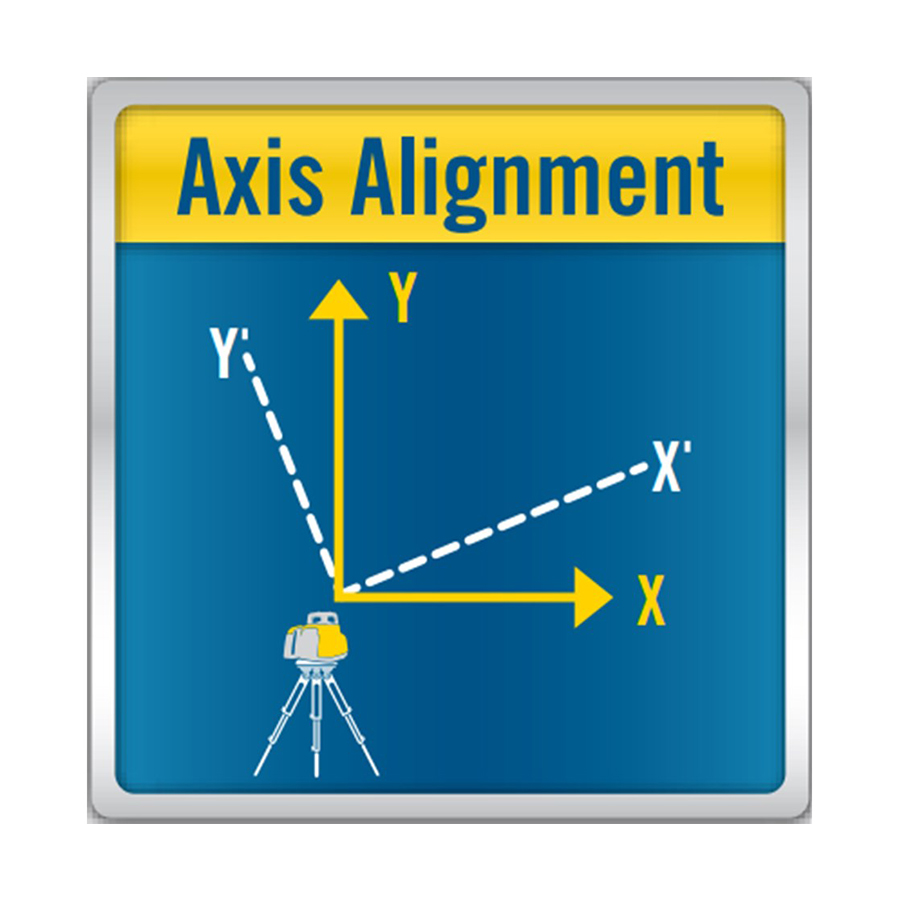
Automatic Axis Alignment
The laser uses its radio connection to the HL760 or CR700 receiver to detect the exact direction of your grade hub — then automatically rotates to align its grade axis precisely on target. Works within ±40°. Get roughly aimed, activate, and the laser does the rest. No manual spinning. No guessing. Every setup is accurate from the start.
Axis Alignment automatically rotates your laser so its grade axis points exactly toward your grade hub — without manually spinning and guessing. When you set a slope, it runs along a specific physical direction on the laser. If the laser is even a few degrees off from your intended grade direction, the slope won't land where you need it. Over a 500-foot grading run, a 5° misalignment is barely noticeable up close but causes real, measurable error at the far end. Axis Alignment eliminates this entirely — it works within ±40°, so just get roughly pointed in the right direction and let the laser do the rest.
- Set up your laser on the tripod — roughly aimed toward the grade hub
- Place your HL760 or CR700 at the grade hub
- Activate Axis Alignment from your remote or laser keypad
- Laser communicates with the receiver via radio, calculates precise direction, and rotates to align
- Done — now run GradeMatch
- Any grade work — always run Axis Alignment first when setting any slope
- Road and parking lot work — aligning along a centerline or drainage direction
- Pipe trench work — align down the trench axis for consistent fall
- Building layout — align to a control line or survey hub
- Training new operators — takes the guesswork out; anyone gets it right the first time
I set my grade carefully but the far end of my parking lot is always off. What's happening?
The most likely cause is that your laser isn't aligned to the grade direction. Even a small misalignment compounds over distance. Run Axis Alignment every setup, before anything else. If you're working with a GL622N or GL1425C, this feature is built in — use it every time.
How close do I need to aim the laser before Axis Alignment takes over?
Within ±40 degrees. As long as you're facing roughly the right general direction, Axis Alignment corrects the rest automatically.
Can I skip Axis Alignment on a small job?
It takes about 10 seconds — there's no good reason to skip it. On any precision concrete or drainage work, a directional error can mean a failed inspection or standing water. The GL412N and all higher GL series models have it built in — use it every time.
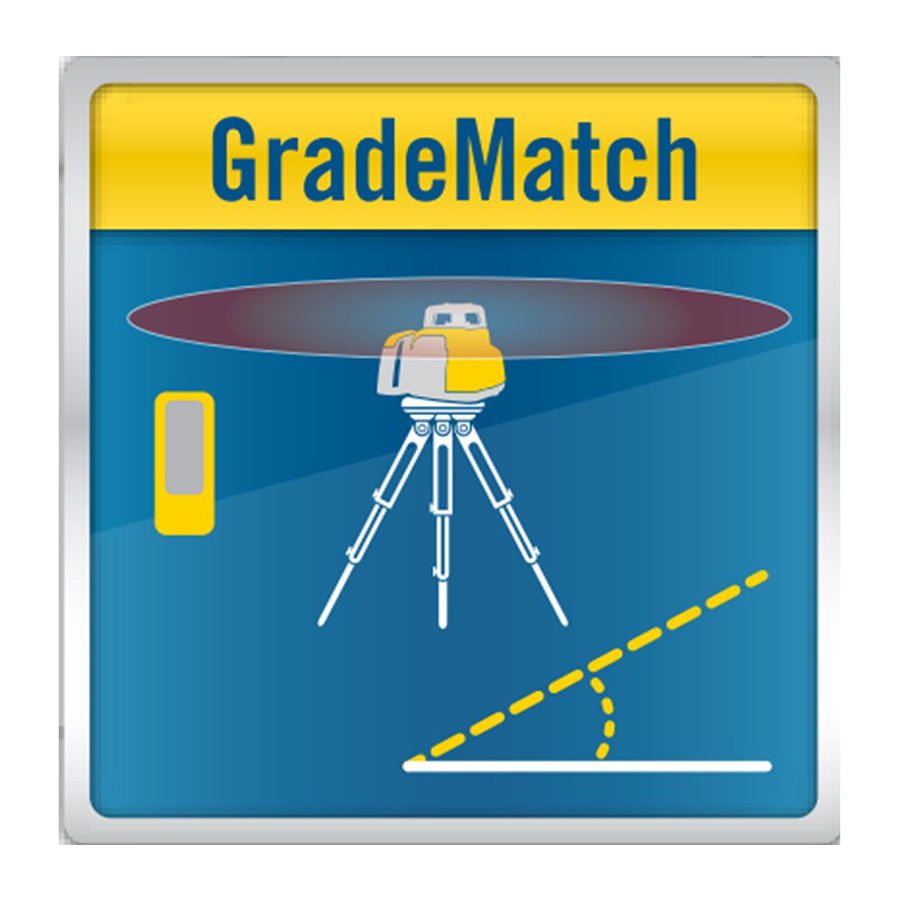
Automatic GradeMatch
Place the receiver at Point A, move to Point B — the laser calculates the exact slope between those two points via radio, sets itself automatically, and displays the actual grade percentage on screen. No math. No manual tilting. No staking. Solo operation. Works on driveways, drainage swales, parking lots, concrete slopes — any application where you need to find or match an existing grade fast.
GradeMatch is Spectra Precision's radio-based feature that automatically calculates and sets a slope between two points — without any math, without manual laser tilting, and without guessing. Place your receiver at Point A, move it to Point B, activate GradeMatch, and the laser calculates the exact slope, sets itself, and displays the actual grade percentage on screen. Single-person operation. No field calculations.
On the LL1505C, this feature is called PlaneMatch — same concept, different name. Requires the HL760 receiver.
- Run Axis Alignment first
- Keep rod height the same at both measurement points
- Place receiver at Point A — one end of your grade
- Move receiver to Point B — the other end
- Activate GradeMatch — laser calculates, sets itself, displays the grade %
- Activate PlaneLok immediately after to hold the grade all day
- Matching an existing surface — driveway, slab, parking lot, road — when you need to match what's there and don't know the exact grade
- Unknown slope situations — existing hubs or benchmarks where grade is defined by the site but not yet calculated
- Drainage work — ditches, swales, drainage channels where fall is defined by inlet and outlet elevations
- Road tie-ins — matching existing road grade at a driveway entrance or intersection
- Concrete slope replication — new slab must match drainage slope of adjacent existing slab
- Sports fields — specified crown and drainage slopes without field calculations
I'm repaving a parking lot and need to match the existing drainage slope exactly. Do I have to calculate it myself?
Not with GradeMatch. Set up your GL1425C or GL622N, place your receiver at the drain, activate GradeMatch — the laser reads and matches the slope automatically and displays the actual grade percentage. No calculations, no stakes, no guessing.
Does GradeMatch tell me what the actual grade percentage is?
Yes — on all GL series lasers from Contractors-Tools.com, the laser calculates and displays the actual grade percentage. You set it and know it simultaneously — useful for documentation and communicating grade to your crew.
I set GradeMatch this morning but my afternoon pours came out slightly off. What happened?
GradeMatch set the grade — but didn't hold it. Temperature rose through the day and your laser drifted. Always run GradeMatch to set the slope, then immediately activate PlaneLok to lock it. Never use GradeMatch alone on a concrete job that runs through the heat of the day.
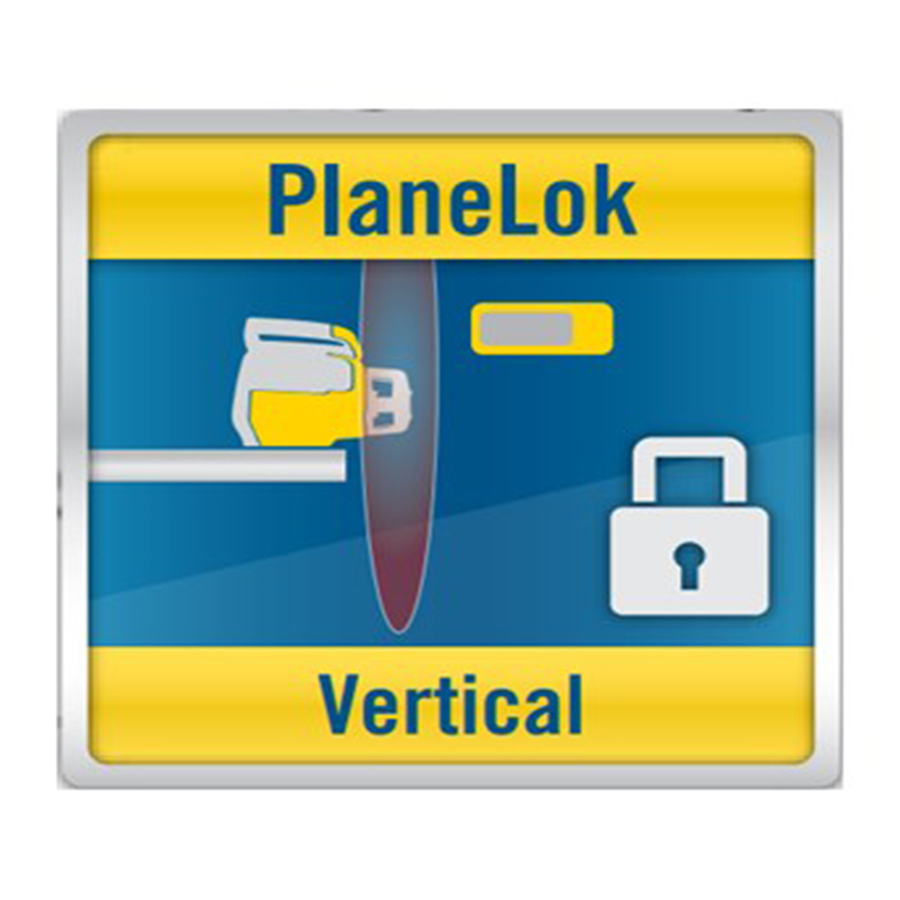
PlaneLok — Holds Grade All Day
Once grade is set, PlaneLok keeps the laser beam locked to a fixed position on the receiver and continuously self-corrects for temperature drift, tripod settling, and ground vibration — all day long, automatically. Your 7am grade and your 4pm grade are identical. Critical for any all-day concrete pour or long-run machine grading where drift will show up in the finished work.
PlaneLok locks your laser beam to a fixed position on the receiver and holds it there automatically — through temperature swings, ground vibration, and tripod settling — for the entire workday. Without PlaneLok, grade drift is silent and invisible. You set your grade at 7am, pour until 5pm, and by afternoon the laser has shifted. You don't see it happening. But you may see it in your finished work or hear about it at inspection.
With PlaneLok, the HL760 or CR700 is in constant two-way radio contact with the laser. The moment the beam drifts from its locked position — even slightly — the laser automatically adjusts. Continuously. Silently. All day.
- Temperature change — The GL622N documents ±0.3mm drift per 10 meters per 1°C of change. A summer day with a 10°C swing across 100 meters = up to 3mm of drift. PlaneLok corrects this in real time.
- Tripod settling — On soft ground, post-rain, or during morning frost melt, the tripod sinks slightly. PlaneLok compensates automatically.
- Ground vibration — Compactors, excavators, dump trucks shift a tripod over time. PlaneLok corrects for all of it.
- Wind — A tall tripod on an exposed site flexes in wind. Over a full day this causes measurable drift.
- Run Axis Alignment → run GradeMatch → grade is now set
- Position your HL760 or CR700 at a fixed, stable reference point — a form, a stake, anywhere it won't be disturbed
- Activate PlaneLok from the remote or laser
- Leave that receiver in place for the entire job
- Use a second receiver for all grade checking — do not move the PlaneLok reference
| Application | PlaneLok | Why |
|---|---|---|
| Concrete slabs & pads | Critical | Morning and afternoon pours must match exactly — no step, no elevation variance |
| Footings & foundations | Critical | Elevation must be consistent at all points — structural requirement |
| All-day machine grading | Strongly recommended | Eliminates mid-day verification stops; machine runs consistent cuts all day |
| Pipe installation | Strongly recommended | Pipe fall must be consistent — drainage performance depends on it |
| Quick rough grading | Optional | Short jobs with wide tolerances may not need continuous lock |
My morning and afternoon concrete pours are coming out at slightly different heights. Is my laser drifting?
Almost certainly. This is the most common symptom of running without PlaneLok on an all-day pour. Activate PlaneLok after setting grade with GradeMatch and it will self-correct through the entire pour. The GL622N and GL1425C both include PlaneLok — use it on every concrete job.
Can I use PlaneLok and still move my receiver to check grades?
You need two receivers. One stays at the PlaneLok lock point — do not touch it. Use the second freely to check grades. Having both an HL760 and a CR700 on a concrete job is the right setup.
Does PlaneLok work for vertical applications like tilt-up wall work?
Yes — on the GL622N, HV1305C, and other compatible lasers, PlaneLok works in both horizontal and vertical position.
Example 1: Commercial Concrete Parking Lot
Equipment: GL622N + two HL760s + RC602N remote | 400×200 ft lot, 1.5% slope, 28°F temp swing
- Axis Alignment → laser rotates to aim grade axis exactly toward drain hub
- GradeMatch → receiver at drain; laser matches 1.5% and confirms on display
- PlaneLok → reference HL760 staked mid-site; second HL760 used for grade checks all day
- Result → morning and afternoon pours at identical grade; no visible step; single operator
Example 2: Residential Driveway Resurface
Equipment: GL412N + HL760 + RC402N | 120 ft driveway, unknown existing grade
- Axis Alignment → laser aimed exactly down driveway axis
- GradeMatch → receiver at bottom; laser calculates 3.2% slope and matches it automatically
- PlaneLok → activated; grade locked for the job
- Result → new surface drains identically to original; full setup under 5 minutes; solo operation
Example 3: 600-Foot Drainage Swale — All-Day Machine Work
Equipment: GL1425C + two CR700s — one machine-mounted, one staked as PlaneLok reference
- Axis Alignment → laser aimed exactly along swale direction
- GradeMatch → receiver at outlet hub; laser sets full fall across 600 ft automatically
- PlaneLok → reference CR700 staked; machine-mounted CR700 gives operator real-time grade all day
- Result → consistent fall across full length; machine runs all day without re-staking
Contractors-Tools.com carries the full Spectra Precision grade laser lineup with expert pre-sale support. Here's how the models break down by feature:
| Laser | GradeMatch | PlaneLok | Axis Alignment | Max Grade |
|---|---|---|---|---|
| LL300S (see note) | Manual only | No | No | Manual tilt |
| LL1505C | Yes PlaneMatch | Yes | No | Manual slope |
| GL412N (GL422N compatible) | Yes | Yes | Yes | ±15% single |
| GL612N | Yes | Yes | Yes | ±25% single |
| GL622N | Yes | Yes | Yes | ±25% dual |
| GL1425C ⭐ Current Recommendation | Yes | Yes | Yes | ±15% dual + Bluetooth |
| HV1305C | Yes | Yes | Yes | Horizontal + Vertical |
| Receiver | Has Radio? | GradeMatch / PlaneLok / Axis Alignment | Machine Mount? |
|---|---|---|---|
| HR320 | No No | No Basic elevation detection only | No |
| HL450 | No No | No Digital readout only | No |
| HL700 | No No | No Digital readout only | No |
| HL760 | Yes Yes | Yes All three features — rod mount | No Rod only |
| HL760U | Yes Yes | Yes All three features — red & green laser | No Rod only |
| CR700 | Yes Yes | Yes All three features — rod OR machine | Yes Magnetic machine mount |
Ready to Level-Up on Your Next Job?
The survey equipment specialists at Contractors-Tools.com know Spectra Precision lasers inside and out. Whether you're choosing between models, pairing the right receiver, or have a technical question about GradeMatch, PlaneLok, or Axis Alignment — we're here before and after your purchase.
Free expert advice · Same-day shipping · Competitive pricing on the full Spectra Precision lineup
© Contractors-Tools.com · Survey Equipment — Level-Up with Contractors-Tools.com · 1-877-866-5721